MAEPIXEL
Upload two images. Get one blended image.
upload two images to blend — to see the result here
⭐ feedback
«
close
CONTROLS
▾
FUSION MODE
▸ soft light (default)
screen
overlay
✦ HSL chroma blend
frequency fusion
alpha blend
detail preserve
multiply
difference
↑ try other modes for different results
frequency split σ
8
LOW FREQ FROM
A
B
blend A → B
50%
SHARPENING
unsharp amount
60%
RESOLUTION
▾
HD — 1280 × 720
Full HD — 1920 × 1080
Quad HD — 2560 × 1440
4K UHD — 3840 × 2160
Square — 1080 × 1080
FHD+ — 1080 × 2400
QHD — 1320 × 2868
QHD+ — 1440 × 3120
4K — 1440 × 3200
Pinterest — 1000 × 1500
original resolution
custom
⚠ source smaller than selected resolution
WIDTH
HEIGHT
HISTORY
0
▾
clear all
no blends yet
⚙
PANEL
Example Blend
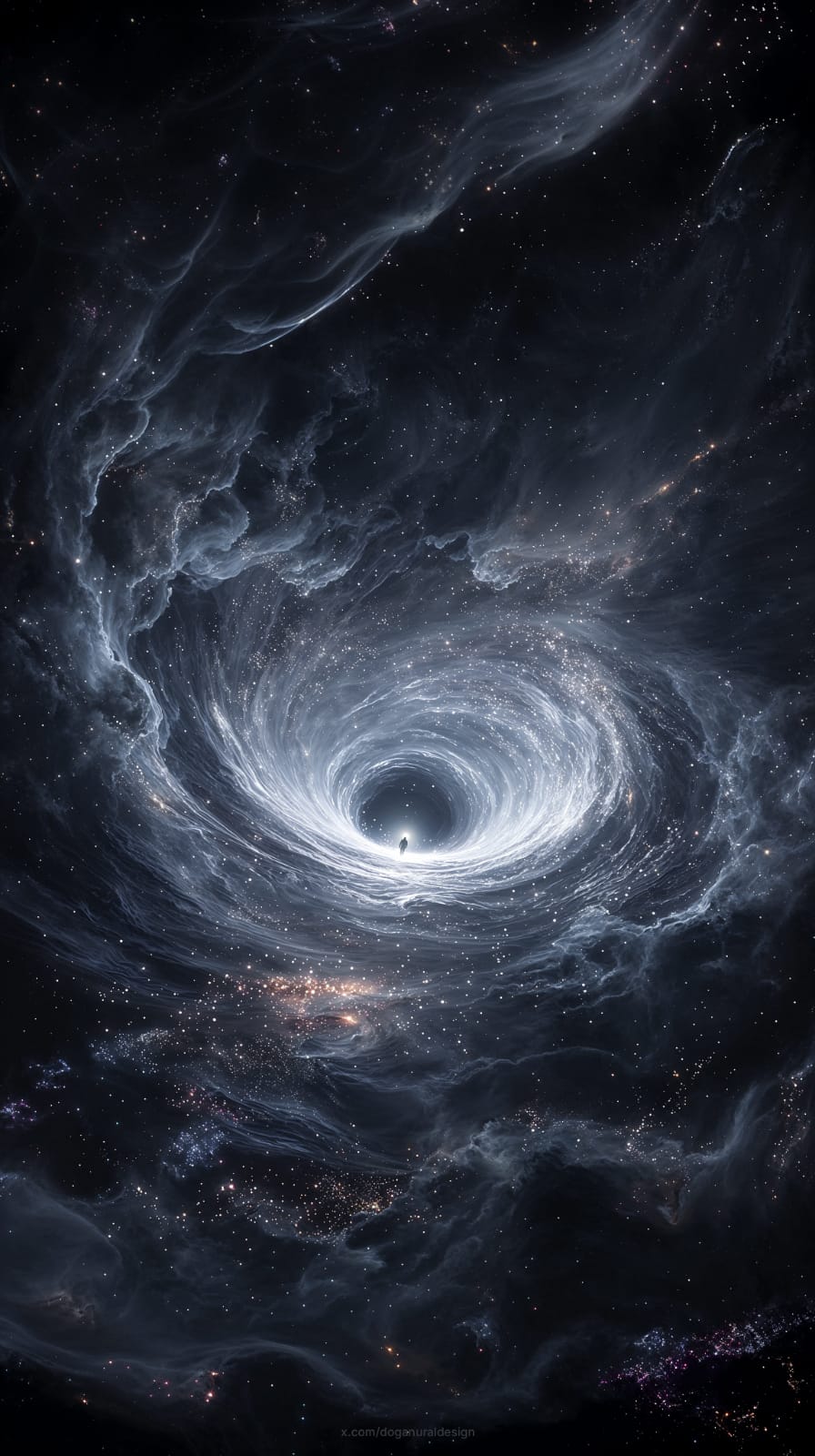
+
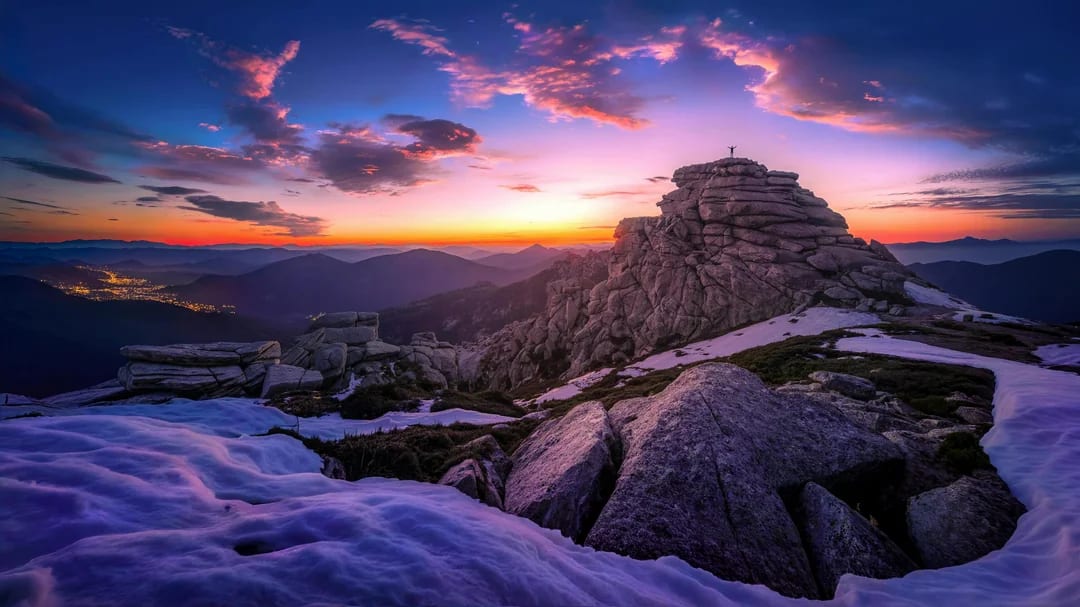
=
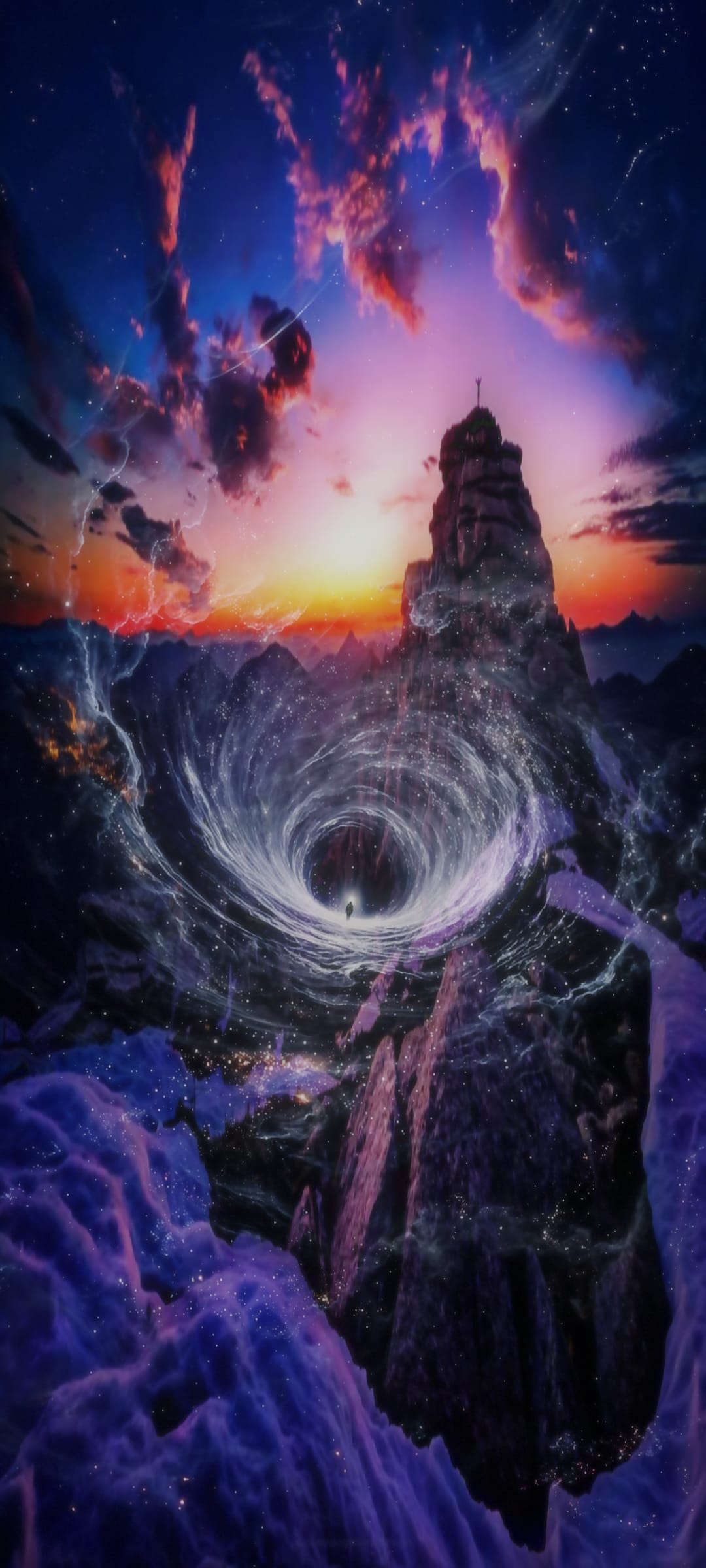
try with sample images — click any to load instantly
A
B
IMAGE A
+
IMAGE B
=
—
blending…
⬇ Download
↗ Share
CLICK TO UPLOAD
IMAGE A
⇄
CLICK TO UPLOAD
IMAGE B
▶ BLEND
upload two images to begin
rate PixelComposer
takes 10 seconds · helps a lot
★
★
★
★
★
cancel
send feedback
✓ thank you — feedback received
⭐ feedback
Example Blend
+
=
tap BLEND to start
blending…
⬇ Save
↗ Share
CLICK TO UPLOAD
IMAGE A
⇄
CLICK TO UPLOAD
IMAGE B
▶ BLEND
✦
Create
⚙
Controls
◻
Resolution
🕐
History
0
Controls
✕
Fusion Mode
▸ soft light (default)
screen
overlay
✦ HSL chroma blend
frequency fusion
alpha blend
detail preserve
multiply
difference
Sharpening
unsharp amount
60%
Resolution
✕
Output Size
HD — 1280 × 720
Full HD — 1920 × 1080
Quad HD — 2560 × 1440
4K UHD — 3840 × 2160
Square — 1080 × 1080
FHD+ — 1080 × 2400
QHD — 1320 × 2868
QHD+ — 1440 × 3120
4K — 1440 × 3200
Pinterest — 1000 × 1500
original resolution
History
✕
no blends yet